
Skip the long read — here’s a direct, scannable comparison to help you decide in under a minute. Want the full speed-test breakdown behind these numbers? → Read the Full Review. Need setup instructions? → Quick Start Guide.
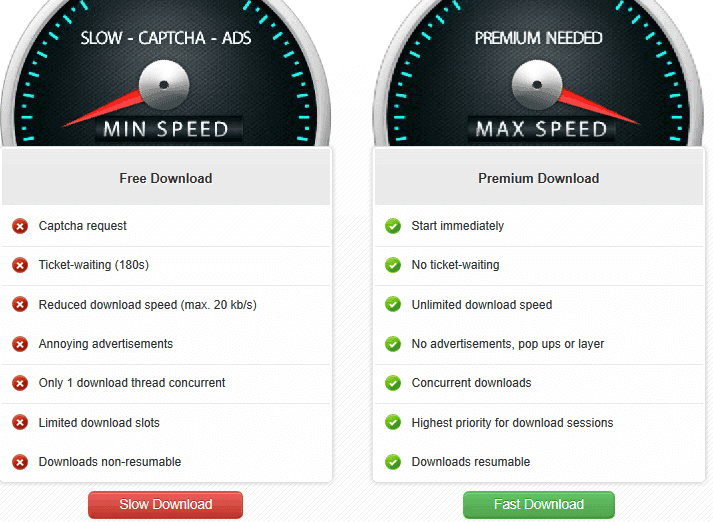
Feature Comparison
| Feature | 🆓 Free | ⭐ Premium |
|---|---|---|
| Download start | Countdown page first | Starts immediately |
| Max simultaneous files | 1 | Multiple |
| JDownloader 2 support | Limited workflow | Fully recognized |
| Resume on failure | No | Yes |
| Traffic visibility | Not shown | Displayed live |
| Queue management | Constant manual interaction | Runs unattended |
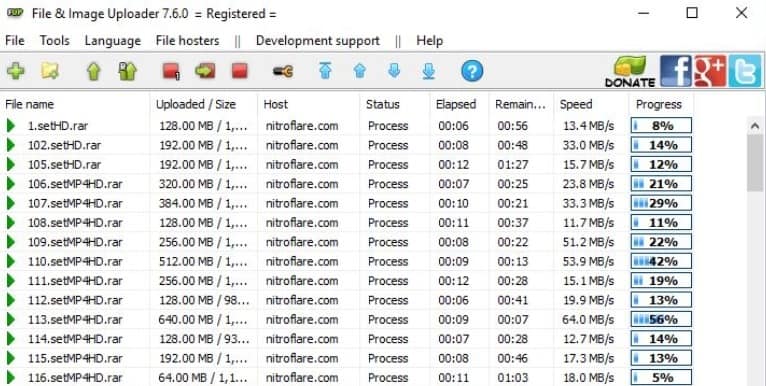
| Verified speed (single file) | N/A | 12.4 MB/s |
| Verified speed (4 files, Chrome) | N/A | ~37.7 MB/s |
| Verified speed (4 tasks, JDownloader) | N/A | ~45.2 MiB/s |
| Best for | One occasional file | Large files, regular use, batch archives |
Full testing methodology and screenshots available in our complete review.
The One Screenshot That Explains the Difference
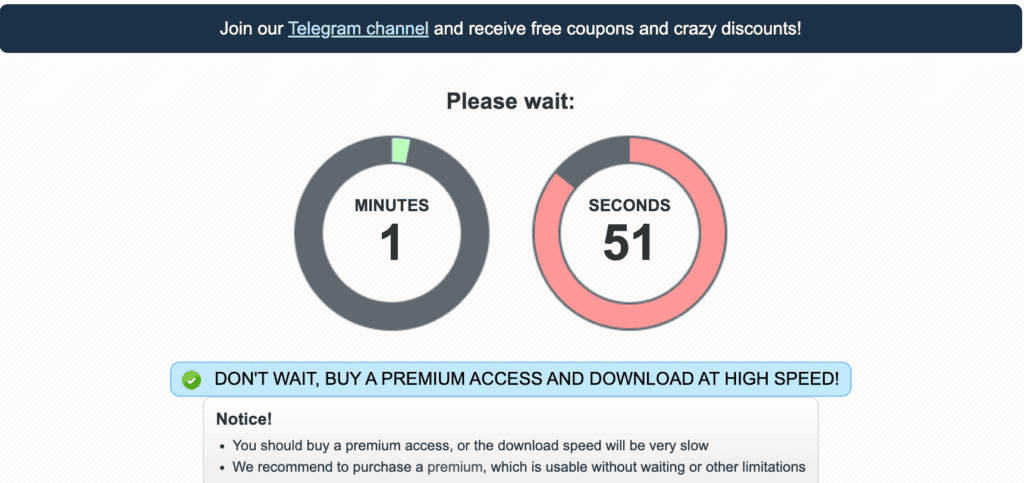
One file, one short wait — manageable. A folder with twenty archive parts means repeating that wait twenty times. That single difference is why most upgrade decisions come down to volume, not urgency.
Decision Checklist
✅ Stick with Free if you:
- Only need one small file right now
- Don’t mind a short wait (1–3 minutes)
- Use Nitroflare rarely — a few times a year
- Want to confirm a link still works before paying for anything
✅ Go Premium if you:
- Regularly download large files or multi-part archives
- Want to run several downloads simultaneously
- Plan to use JDownloader for queue management
- Need downloads to continue unattended, including overnight
- Can’t afford to restart a multi-gigabyte download from zero
A Quick Reality Check on Traffic
Premium is fast — but it is not unlimited. Every account carries a traffic balance that depletes as you download.
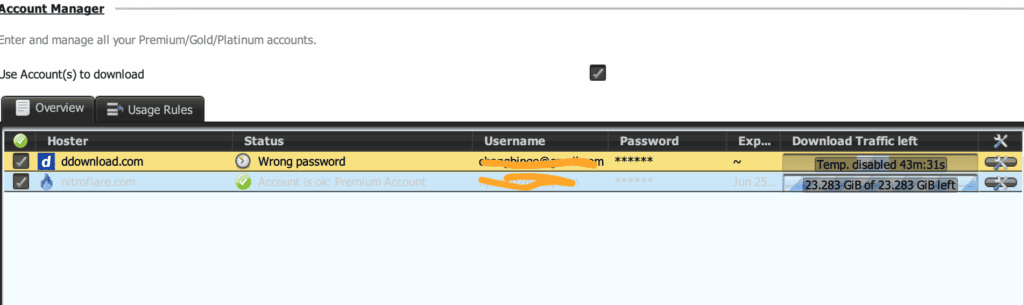
A folder of ten 5 GB files needs far more traffic than a single 5 GB download. Always check your plan’s allowance against the full size of what you’re about to download — not just the one file you’re looking at right now.
Still Not Sure?
- Want the full test data and verdict behind these numbers? → Read the Complete Review
- Ready to set up either option? → Follow the Quick Start Guide
- Just need current pricing? → Check Current Nitroflare Plans
Our Take
Free is fine for occasional, low-stakes downloads. Premium is built for volume — and the more files you have, the more the saved time outweighs the cost. Don’t upgrade just because the countdown is annoying; upgrade when the math on your time clearly favors it.
Last updated: October 2026. Independent guide — not affiliated with Nitroflare.